
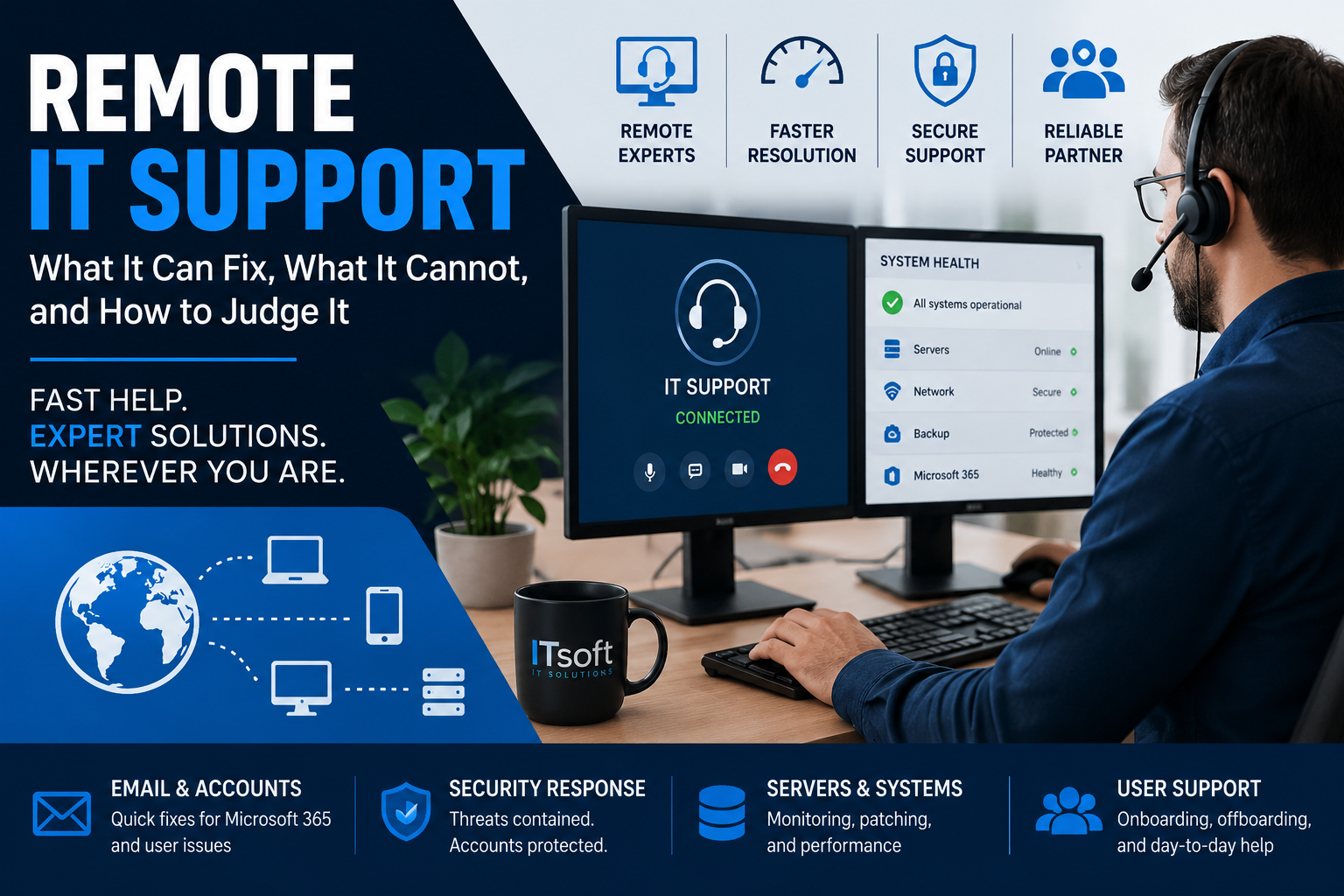
Remote IT Support: What It Can Fix, What It Cannot, and How to Judge It
Remote IT support can resolve a large share of everyday business IT problems, often faster than waiting for an onsite visit. That is not a marketing claim, it is a consequence of what most IT problems actually are — software, configuration, permissions, and accounts, none of which require anyone to be in the room.
But remote support is not a complete substitute for onsite work, and providers who imply otherwise are setting up a disappointment. Knowing where the line falls is what lets you judge whether a provider is being straight with you.
We have supported business systems remotely since long before it was the default, including infrastructure for utility and recycling operations across the country. Here is an honest account of what remote support does well and where it stops.
For businesses that need ongoing assistance, our help desk and remote IT assistance service covers many of these day-to-day support needs.
What remote IT support handles well
Most of what goes wrong day to day:
- Software and application problems — installation, updates, crashes, configuration, licensing
- Email and account issues — Microsoft 365 problems, password resets, mailbox permissions, distribution groups
- Server and database administration — patching, monitoring, performance tuning, capacity, backup verification
- Security response — isolating a compromised account, forcing password resets, reviewing sign-in logs, checking for mail forwarding rules
- Printer and peripheral configuration, at least the driver and queue side of it
- Onboarding and offboarding — new accounts, permissions, and revoking access the day someone leaves
That last one matters more than it sounds. Offboarding is the task most often done late or incompletely, and remote support with proper process handles it in minutes rather than whenever someone remembers.
What remote IT support cannot do
Being direct about this:
- Hardware failure. A dead power supply, a failed drive, a laptop that will not power on. Diagnosis can often be done remotely; the replacement cannot.
- Anything requiring network access to begin with. If the internet is down or the firewall has failed, remote access is gone too. This is the case for keeping a documented out-of-band path — a phone number for the ISP, someone onsite who can power cycle equipment, and instructions written down somewhere other than the network that just failed.
- Physical infrastructure. Cabling, switch installation, rack work, new premises.
- Firmware and BIOS-level problems on machines that will not boot far enough to reach the operating system.
- Hands-on user training where sitting beside someone is genuinely better.
A good provider is explicit about how these get covered — an onsite partner, a scheduled visit, or your own staff following instructions. A provider who says everything is handled remotely has not thought about the day the firewall dies.
Remote IT Support Security Questions to Ask
This is the part of remote IT support that deserves far more scrutiny than it gets, and almost no buyer asks about it.
Remote support runs on remote monitoring and management tooling that has administrative access to every machine it manages. That access is exactly what attackers want, and remote management platforms have been targeted repeatedly and successfully — compromise the provider’s tooling once, reach every client at the same time.
This is not an argument against remote support. It is an argument for asking your provider four questions:
- Is multi-factor authentication enforced on your remote access tooling, for every technician, without exceptions?
- Do technicians have individual named accounts, or does the team share credentials?
- Is remote session activity logged, and can I see the log for my own systems?
- What happens to your access to my environment when a technician leaves your company?
Clear answers indicate a provider that has thought about being a target. Vague ones tell you something too. These are the same standards we hold ourselves to in our managed service provider work, and any competent provider should welcome the questions.
Remote IT Support: Response Time vs. Resolution Time
Support agreements advertise response times. Response time means someone acknowledged your ticket. It does not mean your problem is being worked on, and it certainly does not mean it is fixed.
What to establish instead:
- Are response targets different by severity? A whole-site outage and a single printer should not sit in the same queue. If they do, either urgent issues wait or trivial ones get overserved.
- What are the actual support hours, and what happens outside them? “24/7” sometimes means a monitoring system with nobody watching until morning.
- Who is answering? A named technician who knows your environment resolves problems considerably faster than a rotating queue reading the same knowledge base article.
- Is there a path to escalate, and to whom?
A provider willing to talk about resolution rather than response is a provider confident in their resolution.
Monitoring is what separates support from repair
The distinction worth understanding when comparing providers: reactive support waits for you to notice. Proactive monitoring notices first.
A drive reporting errors, a backup job that quietly failed three weeks ago, a disk approaching full, a server running an operating system past its support date — all of these are visible before they become outages. Whether anyone is looking is a choice.
Two specific things worth confirming are monitored, because they are the ones most often assumed and least often checked:
Backup success, and restore testing. A monitoring dashboard that reports backup jobs as complete is not the same as anyone verifying the data restores. Our guide to data backup and recovery covers why that distinction matters more than any other item on this list.
Operating system support status. An unsupported server is a slow-moving incident. If you are unsure where you stand, our guide to Windows Server 2012 R2 end of life covers the current deadlines.
Questions to ask before signing
Beyond the security questions above:
- What is explicitly included, and what is billed separately?
- How do onsite requirements get handled, and at what cost?
- What documentation of our environment will you maintain, and do we get a copy?
- If we leave, what do we take with us — accounts, documentation, licences?
That last question is the most revealing one you can ask. A provider who has a clean answer is confident you will not need it.
Where ITsoft fits
We provide remote IT support and monitoring for businesses across the United States, including environments where a database or an operations platform is the business rather than a convenience. That means individual technician accounts, enforced multi-factor authentication on our tooling, logged sessions, and documentation you keep — see our help desk and remote IT assistance and service and support pages for how engagements work.
Talk to Mike Treat about remote IT support — we will review what you have, what is monitored, and what is not. You keep the findings either way.
Related reading: managed service provider services · data backup and recovery · Windows Server setup and maintenance