
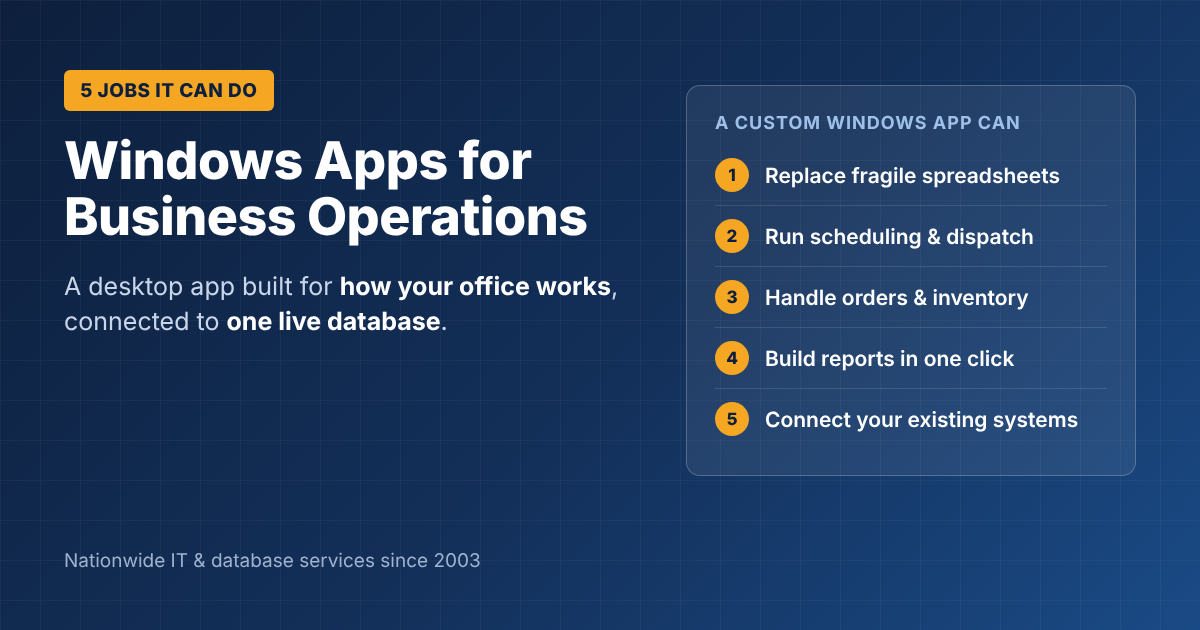
Windows Application Development for Business Operations: 5 Jobs a Custom App Can Do
Most office work still happens on Windows PCs. That’s why Windows application development for business operations is still one of the most practical ways to save time in an office: a desktop app built for the way your staff actually work, connected to your data, and fast enough that nobody misses the old spreadsheet. Here are five jobs a custom Windows app can do for your office, when a Windows app beats a web app, and what a project looks like.
Why Windows apps still matter for business
Web apps get most of the attention, but a Windows desktop app is still the better choice when your team needs:
- Speed for heavy, all-day data entry
- Direct access to office hardware, such as label printers, barcode scanners, scales or cash drawers
- Work that continues during internet outages, with data syncing once the connection is back
- Tight links with other desktop tools, such as Excel, Outlook or accounting software
Modern Windows apps are typically built with Microsoft’s .NET desktop technologies, such as WinForms and WPF, and store data in a database like SQL Server.
5 jobs Windows application development for business operations can do
1. Replace spreadsheets that have become a system
When a spreadsheet has dozens of tabs, macros and one person who understands it, it’s already a business system, just a fragile one. A Windows app keeps the familiar feel, adds rules that stop mistakes, and stores the data safely in a real database.
2. Run scheduling and dispatch
Office staff can see jobs, crews and trucks on one screen, assign work, and send details to field staff. A call center scheduling screen is a classic example.
3. Handle orders, inventory and shipping
Scan items with a barcode reader, print labels, update stock levels and create shipping paperwork in one place, instead of switching between four programs.
4. Produce reports in one click
Management reports that take someone half a day to put together in Excel can be generated instantly from live data.
5. Connect the systems you already have
A Windows app can pull data from your accounting software, CRM or an old Access database, and push results back, so information is never typed twice.
Windows app vs. web app: which is right?
| Need | Windows desktop app | Web app |
|---|---|---|
| Heavy, all-day data entry in the office | Best | Good |
| Office hardware (printers, scanners, scales) | Best | Limited |
| Customers or field staff need access | Limited | Best |
| Works during an internet outage | Yes | Usually not |
| Runs on phones and Macs | No | Yes |
Many businesses use both: a Windows app for office staff and a web or mobile app for customers and field staff, sharing one database. Our article on web application vs. website explains the web side, and our guide to field service mobile apps covers phones in the field.
What a Windows application project looks like
- Discovery (1–2 weeks): sit with the people doing the work, map the process and agree on what the first version must do.
- Design: sketch the main screens and the database structure, often on SQL Server.
- Build in stages: deliver working screens every few weeks so staff can try them early.
- Move your data: import from spreadsheets, Access or the old system.
- Train and launch: roll out to a few users first, then the whole office.
- Support: updates for new Windows versions, fixes and new features.
If your current tool is an aging Access database, our guide to moving from Microsoft Access to SQL Server explains when it’s time to upgrade. For older custom apps, see legacy application modernization.
What does it cost?
It depends on the number of screens, integrations and users. A focused Windows app usually costs in line with other custom software projects; our guide to custom software development cost gives typical ranges.
Get a Windows app built for your business
ITsoft has handled Windows application development for business operations across the U.S. since 2003, along with SQL Server databases and web apps. Tell us which part of your operations is slowing you down.
Talk to ITsoft about a Windows App
FAQs
Will a custom Windows app work on Windows 11?
Yes. Apps built with current .NET technologies run on Windows 10 and Windows 11, and a good developer will keep them updated as Windows changes.
Can several people use the app at the same time?
Yes. When the data is stored in a shared database such as SQL Server, everyone in the office works from the same live information.
Can a Windows app also be used from home?
Yes, through a secure remote connection, or by adding a web or mobile version that shares the same database.
Related reading: Custom software development for small business · Microsoft SQL Server & Access development · Software & web development services