
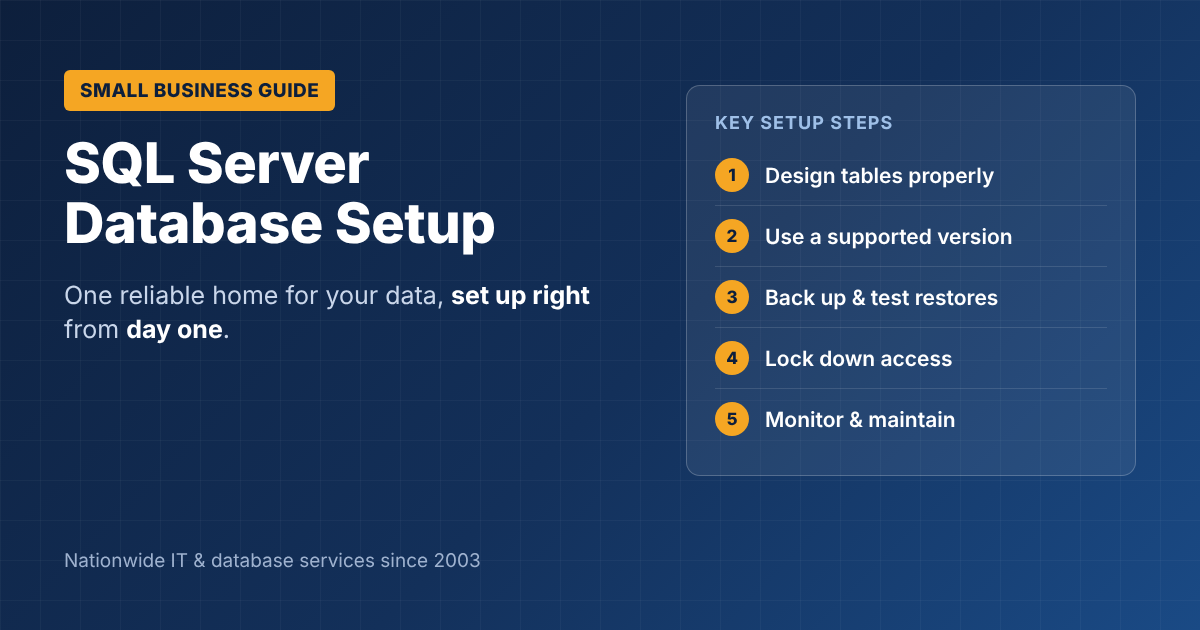
SQL Server Database Setup for Small Businesses: A Practical Guide
Many small businesses run on data scattered across spreadsheets, an old Access file and a few apps that don’t share information. Moving it into a properly built SQL Server database gives you one reliable place for customers, orders, jobs and inventory. But a database set up in a hurry can cause slow apps, lost data and security gaps for years. This guide to SQL Server database setup for small businesses covers what to decide, what to configure and what to avoid.
Why small businesses choose SQL Server
- Reliable and proven: Microsoft’s SQL Server runs everything from small office systems to large enterprises.
- Many people at once: unlike a spreadsheet or Access file, it’s built for many users working at the same time.
- Works with your tools: Excel, Power BI, Microsoft 365, custom apps and most accounting software can connect to it.
- A free starting point: the free Express edition is enough for many small businesses starting out, with an easy upgrade path as you grow.
SQL Server database setup for small businesses: the decisions
1. Which edition?
| Edition | Cost | Good for |
|---|---|---|
| Express | Free | Small databases and a single app; has size and performance limits |
| Standard | Licensed | Most growing businesses with several apps and users |
| Azure SQL (cloud) | Monthly | Businesses that don’t want to manage a server |
Choose based on how much data you’ll have in two to three years, not just today.
2. On your server or in the cloud?
An on-site server gives you full control; a cloud database such as Azure SQL removes hardware and patching work. Our cloud migration checklist helps compare the two.
3. One database or several?
Keep related business data together in one well-designed database where possible. Separate databases make reporting and integrations harder later.
8 setup steps that matter
- Design the tables properly. Plan customers, orders, jobs and products as related tables, so data is stored once and never duplicated.
- Use a supported version. Older versions stop receiving security fixes; see our note on SQL Server 2016 end of support.
- Set up backups from day one, with full and log backups on a schedule, and test that you can restore them.
- Lock down access. Give each person or app only the access it needs, and never share the main admin login.
- Encrypt sensitive data and the connections between apps and the database.
- Keep the database on its own drive, separate from the operating system, with room to grow.
- Schedule maintenance: index upkeep, integrity checks and updates.
- Monitor it: alerts for failed backups, low disk space and slow queries.
Common mistakes to avoid
- Copying a spreadsheet straight into a table, duplicates and all
- No backups, or backups stored on the same server as the database
- Everyone using one admin account
- Skipping updates until something breaks
- Building reports directly on the live database in a way that slows down everyday work
Moving from Access or spreadsheets
If your data lives in Microsoft Access today, the move to SQL Server can often keep your familiar screens while making the data faster and safer. Our guide to moving from Microsoft Access to SQL Server explains when it’s time, and our Access to SQL Server migration services page covers how ITsoft does it.
Get help with your SQL Server setup
ITsoft has handled SQL Server database setup for small businesses across the U.S. since 2003, from first design to backups, security and ongoing support.
Get a Free SQL Server Consultation
FAQs
Is SQL Server Express enough for a small business?
Often, yes, for a single app and a modest amount of data. If you expect strong growth or many users, plan for Standard edition or Azure SQL.
How long does a SQL Server setup take?
A basic setup can take days. Designing the database properly and moving existing data usually takes a few weeks, depending on how much data you have.
Do we need a database administrator?
Not full time. Most small businesses use a support partner for setup, backups, monitoring and updates.
Related reading: SQL Server consulting · SQL Server upgrade services · Microsoft SQL Server & Access development