
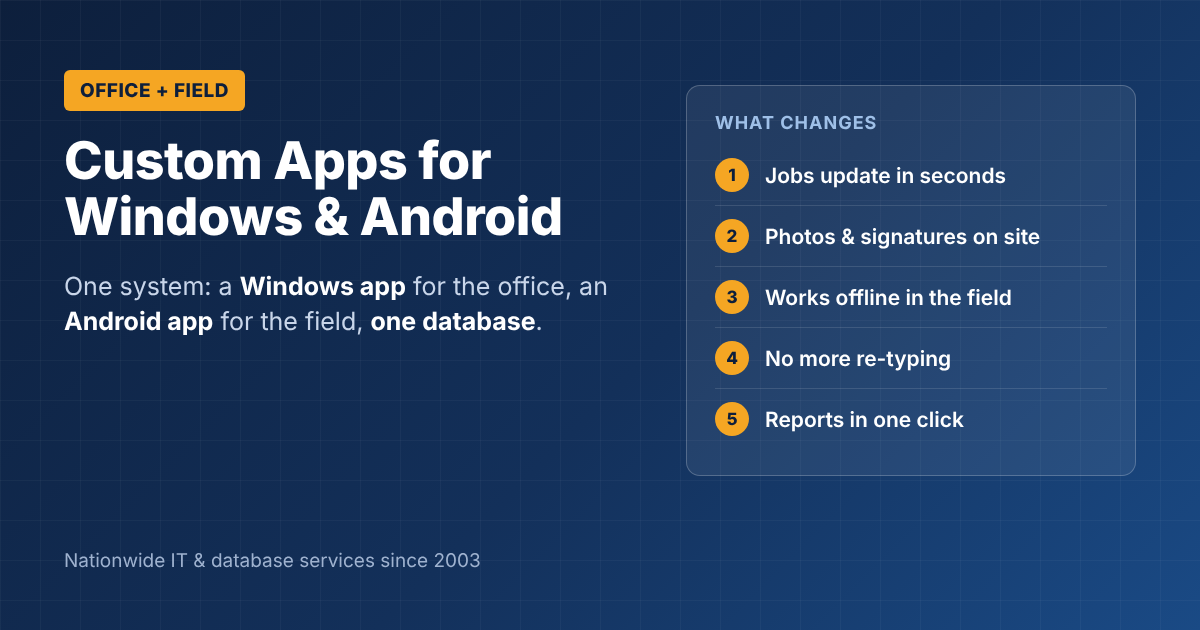
Custom Business Apps for Windows and Android: One System for Office and Field
Your office staff work at Windows PCs. Your field staff work on Android phones and tablets. Too often, those two groups use separate tools, and someone ends up re-typing information from one into the other. Custom business apps for Windows and Android fix that by giving each group an app built for its own device, both connected to one shared database. Here’s how that works, what it can do, and what to expect from a project.
Custom business apps: one system, two devices
The idea is simple:
- Office staff use a Windows desktop app built for fast data entry, scheduling, reports and office hardware like label printers.
- Field staff use an Android app built for the road: big buttons, photos, signatures, GPS and offline use.
- Both apps share one database, usually SQL Server, so a job updated in the field shows up in the office within seconds.
No more paper forms, end-of-day phone calls or “I’ll email you the photos later.”
What custom business apps for Windows and Android can do
| Task | Windows app (office) | Android app (field) |
|---|---|---|
| Scheduling | Assign jobs, routes and crews | See today’s jobs and directions |
| Job details | Create and update work orders | Update status on site |
| Photos and signatures | Review and attach to the record | Capture on the spot |
| Inventory | Manage stock and orders | Scan parts used on the job |
| Reports | One-click management reports | Daily summary for the worker |
| Customers | Full history and billing | Contact info and notes |
Built for how field work really happens
Field apps fail when they’re designed in an office. A good Android business app should:
- Work offline and sync automatically when the signal comes back
- Use large buttons and few screens, so it works with gloves on or in a hurry
- Capture proof: photos, signatures, time stamps and GPS location
- Run on rugged or low-cost devices, not only the newest phones
Our guide to field service mobile apps covers what tends to break in the field and how to avoid it.
One code base or two?
Microsoft’s .NET MAUI lets developers build Android and Windows apps from a single code base, which can lower cost and keep both apps in step. Sometimes a separate, purpose-built Windows app is still the better choice, especially for heavy office data entry or special hardware. Our article on Windows application development for business operations explains when.
A good developer will recommend whichever approach fits your work, not whichever they prefer to build.
What a project looks like
- Ride along: watch how office and field staff actually work today.
- Design the shared database and the main screens for each device.
- Build the first version of both apps around one core process, such as work orders.
- Test in the field with a few workers before rolling out to everyone.
- Support and improve: new features, Android and Windows updates, and new devices.
For typical price ranges, see our guide to custom software development cost.
Get custom business apps built for your team
ITsoft builds custom business apps for Windows and Android for companies across the U.S., backed by SQL Server databases we’ve designed and supported since 2003.
Talk to ITsoft about your app idea
FAQs
Do we need iPhone apps too?
Not always. Many businesses give field staff company Android devices, which keeps costs down. If you need iPhone support, it can usually be added from the same code base.
Will the Android app work without internet?
Yes, if it’s built for offline use. Data is saved on the device and synced when a connection is available.
Can the apps connect to our accounting software?
Usually, yes. Most popular accounting and CRM systems can be connected so information flows without re-typing.
Related reading: Custom software development for small business · Software & web development services · Microsoft SQL Server & Access development