IT Support for Small and Medium Businesses: What Good Looks Like for a 10–100 Person Company
What good IT support looks like for a 10–100 person company, the signs yours isn’t working, and how to choose between in-house, managed and co-managed IT.
A company with 10 to 100 people is in an awkward spot for IT. It’s too big for “the person who’s good with computers” to handle on the side, but often too small to justify a full IT department. This guide to IT support for small and medium businesses explains what good IT support looks like at that size, the warning signs that yours isn’t working, and how to choose the right setup.
Why IT support changes at 10–100 people
Under 10 people, most IT problems are simple and occasional. Once a business grows past that, things change:
- More people means more requests. Passwords, new laptops, printers and software issues every day.
- More risk. More email accounts and devices mean more ways for attackers to get in.
- More systems. Microsoft 365, a line-of-business app, a database, phones, Wi-Fi and remote workers all need to work together.
- Downtime costs more. When 40 people can’t work for an hour, that’s 40 hours of lost time.
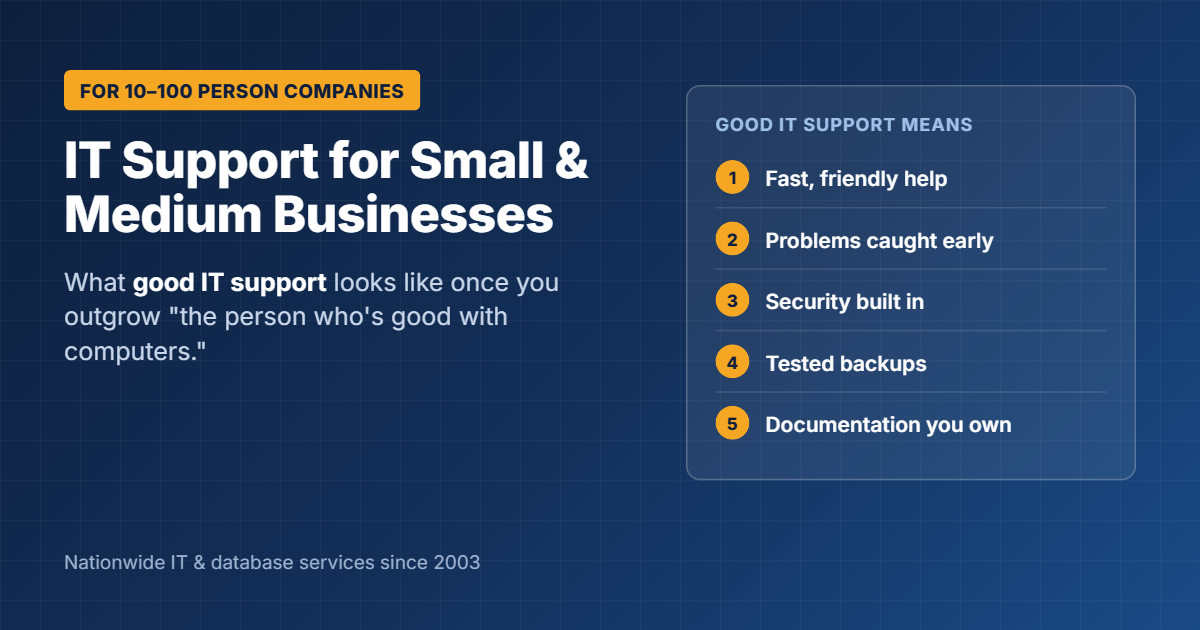
What good IT support looks like
Fast, friendly help when something breaks
Staff know exactly how to get help, get a quick response, and don’t feel embarrassed to ask. Most issues are fixed remotely the same day.
Problems caught before they cause downtime
Good support doesn’t just wait for calls. Computers and servers are monitored, updates are installed on schedule, and failing hardware is replaced before it dies.
Security built in, not bolted on
Multi-factor authentication, email filtering, up-to-date antivirus, regular updates and staff training are standard. An occasional IT security audit checks for gaps.
Backups that are tested
Files, email and databases are backed up automatically, and restores are tested so you know they work.
Clean onboarding and offboarding
New hires have a working computer and accounts on day one. Leavers lose access the day they go.
Documentation you own
Passwords, network details and system notes are written down and belong to your business, not to one person or provider.
Planning, not just fixing
Someone helps you plan computer replacements, budget for upgrades, and choose new software that fits with what you already use.
Signs your IT support isn’t working
- The same problems keep coming back
- Staff have stopped reporting issues because “nothing happens”
- Nobody can tell you when backups were last tested
- Computers are years out of date or still on old Windows versions
- One person holds all the passwords
- You only hear from your IT provider when they send an invoice
Your IT support options
| Option | How it works | Best for |
|---|---|---|
| In-house IT person | One or more employees handle IT | Businesses near the top of this range with complex systems |
| Managed IT provider | Outside company handles IT for a monthly fee | Most businesses with 10–100 people |
| Co-managed IT | Provider supports your in-house IT person | Businesses with one IT person who is stretched thin |
| Break-fix | Pay by the hour when something breaks | Very small offices with simple needs |
For many companies this size, a managed IT provider gives the widest skills for the price. Our guide to what managed IT services include explains what you get. If you have an IT person already, IT staff augmentation can add extra hands when needed.
How to choose IT support for your business
- List what you have: number of users, computers, servers, key software and any databases.
- Write down what hurts: slow computers, repeat problems, security worries or no backups.
- Ask for a written scope: what’s included, response times, and what costs extra.
- Check that they understand your software, not just Windows and email. Many businesses depend on a line-of-business app or a SQL Server database.
- Ask how they handle security and backups, and how often they test restores.
- Make sure you own your documentation and passwords if you ever change providers.
CISA’s guidance for small and medium businesses is a useful free checklist for the security side.
Get IT support for your small or medium business
ITsoft has provided IT support for small and medium businesses since 2003, including 24/7 help desk support, Microsoft 365 support, cybersecurity, and the SQL Server databases and custom software many of our clients depend on.
Talk to ITsoft About IT Support
FAQs
How many IT people does a 50-person company need?
It depends on how complex your systems are, but many companies this size don’t need a full-time IT employee. A managed IT provider, or one in-house person backed by a provider, is usually enough.
Can IT support be fully remote?
Most day-to-day issues can be fixed remotely. You’ll still want on-site help for new hardware, network problems and office moves. See remote IT support: what it can fix and what it can’t.
What should response times be?
For urgent problems that stop people working, look for a response within an hour. Routine requests are often handled the same or next business day. Get response times in writing.
Related reading: Managed IT services for small business · Business continuity planning · SQL Server database help for business owners