
SQL Server Database Help for Business Owners: 9 Signs Your Database Needs Attention
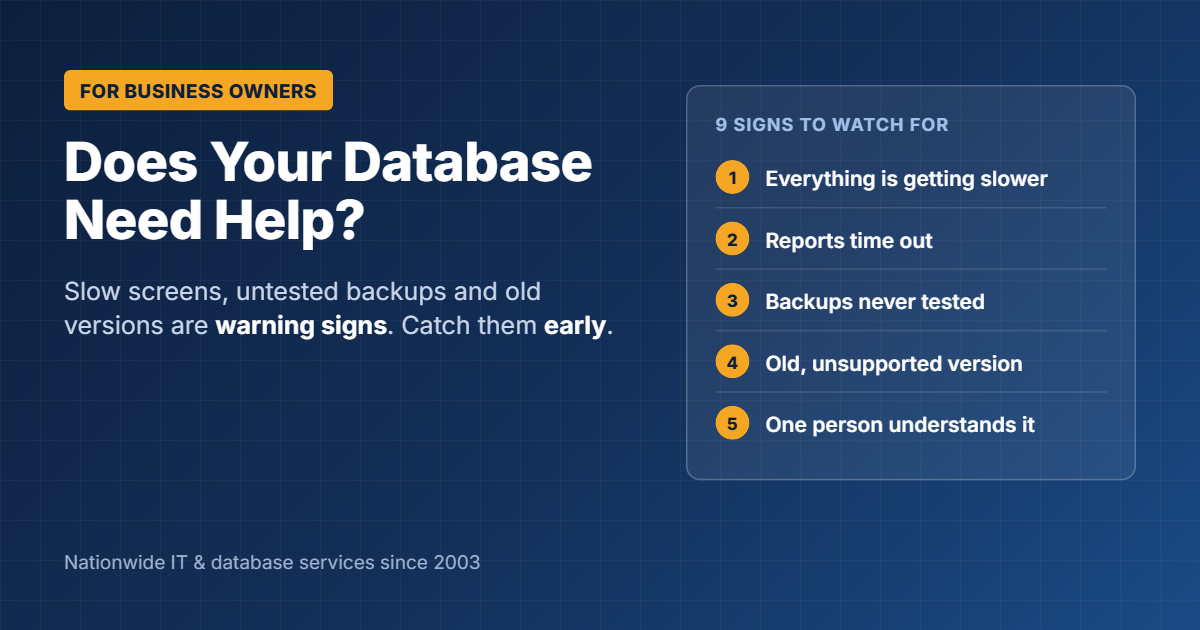
Slow screens, untested backups and old versions are warning signs. Here are 9 signs your SQL Server database needs help, and what to do about each.
Your SQL Server database holds the information your business runs on: customers, orders, jobs, invoices and inventory. Most of the time nobody thinks about it. Then one day the app slows to a crawl, a report won’t run, or someone asks “when did we last test a backup?” and nobody knows. This guide to SQL Server database help for business owners covers the warning signs to watch for, what each one usually means, and when it’s time to call in an expert.
Why business owners should care about the database
You don’t need to understand how a database works to know when it’s hurting the business. Staff wait on slow screens. Reports are wrong or late. Customers hear “the system is down.” And if the database is lost, years of records can go with it.
The good news is that most database problems build up slowly and show clear signs first. Catching them early is far cheaper than an emergency.
9 signs your business database needs help
1. Everything is getting slower
Screens that used to open instantly now take several seconds, especially at busy times. This usually points to missing indexes, poorly written queries, or a database that has outgrown its server.
2. Reports take forever, or time out
If month-end reports run for an hour or fail, they may be fighting with everyday work for the same resources.
3. Nobody is sure the backups work
Backups that exist but have never been restored are a guess, not a plan. If you can’t say how much data you would lose and how long recovery would take, this is the first thing to fix. Our guide to data backup and recovery explains the basics.
4. You’re running an old version
Older versions stop receiving security updates. You can check your version’s support dates on Microsoft’s SQL Server lifecycle page. See our note on SQL Server 2016 end of support for what to do next.
5. Everyone uses the same login
When staff and apps all share one admin account, you can’t tell who changed what, and one stolen password opens everything.
6. The server keeps running out of space
Disk-full alerts, log files that grow without limit, or a server that freezes when storage runs low are signs that maintenance isn’t being done.
7. Duplicate or messy data
Two records for the same customer, orders that don’t match invoices, or numbers that disagree between reports often mean the database design needs work.
8. Only one person understands it
If the person who built or manages the database left tomorrow, would anyone know how it works? Undocumented systems are a business risk.
9. You’re still partly on Access or spreadsheets
Many businesses run on a mix of SQL Server, Microsoft Access files and spreadsheets that don’t talk to each other. That’s often where errors and double entry come from.
What each sign usually means
| What you notice | Likely cause | Typical fix |
|---|---|---|
| Slow screens and searches | Missing indexes, slow queries | Performance tuning |
| Reports time out | Reports competing with daily work | Reporting copy or better queries |
| Unsure about backups | No tested backup plan | Scheduled backups and restore tests |
| Old SQL Server version | No security updates | Planned upgrade |
| Shared admin login | Weak access control | Separate logins and roles |
| Disk-full alerts | No routine maintenance | Maintenance plan and monitoring |
| Duplicate or mismatched data | Database design issues | Cleanup and design fixes |
What SQL Server database help includes
Database help doesn’t have to mean a big project. For most small and mid-sized businesses it comes down to a few services:
- Health check: a review of performance, backups, security and version, with a plain-English list of what to fix first
- Performance tuning: faster screens and reports without buying new hardware
- Backup and recovery setup: scheduled backups, off-site copies and tested restores
- Upgrades and migrations: moving to a supported version, a new server or the cloud. See our SQL Server upgrade services
- Ongoing support: monitoring, maintenance and someone to call when something breaks
Our article on what SQL Server consulting services are goes into more detail.
What you can check yourself today
- Ask when the last backup restore test was done. If the answer is “never,” schedule one.
- Find out which SQL Server version you run and whether it still gets security updates.
- List who has admin access. Remove anyone who no longer needs it.
- Write down the slowest screen or report your staff complain about. It’s a useful starting point for any expert.
Get SQL Server database help from ITsoft
ITsoft has provided SQL Server database help for business owners across the U.S. since 2003, from quick health checks to full upgrades and Access to SQL Server migrations. Tell us what’s slowing you down and we’ll tell you honestly what it needs.
Get a Free Database Health Check Consultation
FAQs
How do I know if my database problem is serious?
If you can’t restore your data, if you’re on an unsupported version, or if the system goes down during business hours, treat it as urgent. Slow reports and messy data are important but usually less urgent.
Can you help without replacing our software?
Usually, yes. Most fixes, such as tuning, backups, security and upgrades, happen behind the scenes while your staff keep using the same screens.
Do we need a full-time database administrator?
Rarely. Most small and mid-sized businesses get better value from a support partner who handles monitoring, maintenance and fixes as needed.
Related reading: SQL Server database setup for small businesses · Moving from Microsoft Access to SQL Server · Microsoft SQL Server & Access development