
Custom Software Development for Small Business: How It Saves Time and Money
Custom software development for small business sounds like something only big companies can afford. But many small businesses run on a patchwork of spreadsheets, email, an old Access database and two or three apps that don’t talk to each other. That patchwork costs time every single day. A focused piece of custom software can remove that friction, often for less than people expect. Here’s when it makes sense, what it looks like in practice, and how to start small.
What custom software development for small business actually means
Custom software is built around the way your business works, instead of making your team bend to someone else’s product. For a small business, that usually means one of these:
- An internal tool that replaces spreadsheets for scheduling, job tracking, quoting or inventory
- A customer portal where clients can place orders, check status or download documents
- A database application that pulls scattered information into one place, often built on SQL Server
- An integration that connects tools you already pay for, such as QuickBooks, Microsoft 365 or a CRM, so data stops being typed in twice
It doesn’t have to be a giant system. Many of the best small business projects do one job very well.
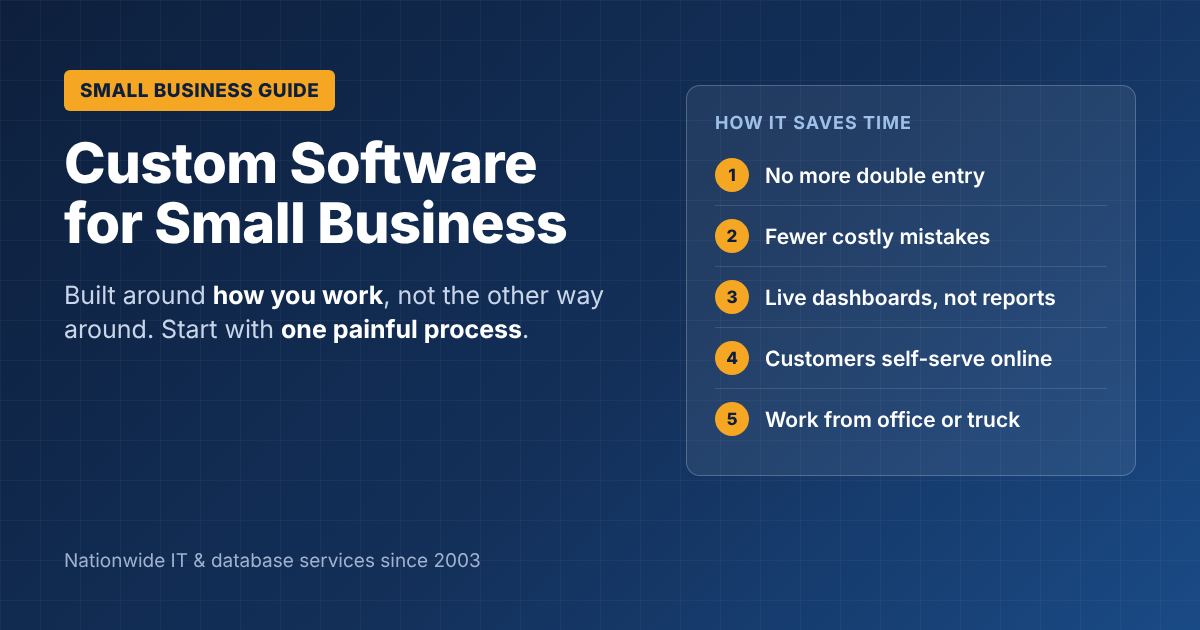
6 ways custom software helps a small business save time
- No more double entry. Information is typed once and flows to every place it’s needed.
- Fewer mistakes. Built-in rules catch missing fields, wrong prices and duplicate orders before they cause problems.
- Faster answers. Owners and managers can see sales, jobs or inventory in a live dashboard instead of waiting for someone to build a report.
- Less phone and email traffic. Customers can check status or book appointments themselves through a portal.
- Work from anywhere. A web or mobile app works from the office, the truck or home, unlike a spreadsheet on one PC.
- Room to grow. You can add users and features as the business grows, without switching systems every few years.
Custom software vs. off-the-shelf: when each makes sense
| Situation | Off-the-shelf software | Custom software |
|---|---|---|
| Your process is standard (payroll, basic accounting) | Usually the better choice | Rarely worth it |
| Your process is what makes you different | Forces you to change how you work | Fits the way you work |
| You’re paying for several tools that don’t connect | Adds more subscriptions | Connects or replaces them |
| You need it running next week | Faster to start | Takes weeks to months |
| Monthly fees keep rising with each user | Costs grow with headcount | You own it; costs are mostly upfront |
A good rule of thumb: buy software for the parts of your business that are the same as everyone else’s, and build software for the parts that make you different.
What does it cost?
Costs depend on scope, integrations and the number of users. A focused first version for a small business often lands in the tens of thousands of dollars, and larger systems cost more. Our guide to custom software development cost breaks down typical ranges, hourly rates and what drives the price up or down.
The way to keep the cost under control is to start with one painful process, not the whole business.
How to start: a 4-step plan
- Write down the one process that hurts most. Where does your team waste the most time, or make the most mistakes?
- List who uses it and what they need to see. Office staff, field staff, customers and managers often need different screens.
- Build a small first version. Launch just the core of the tool first, and get real feedback from the people using it.
- Improve in phases. Add reports, integrations and mobile access once the first version proves its value.
If you’re replacing an older system, our article on legacy application modernization explains how to move over without losing data or disrupting your team. If you’re not sure whether you need a website or a full web application, read web application vs. website first.
What to look for in a development partner
- Experience with businesses your size, not just large enterprises
- Plain-English communication and a clear, written scope before work starts
- Ownership of your code and data, written into the contract
- Support after launch, because every system needs updates and fixes
Our checklist on how to evaluate a custom software development company covers the questions to ask. For general planning help, the U.S. Small Business Administration’s business guide is a useful free resource.
Talk to ITsoft about custom software for your business
ITsoft has provided custom software development for small business owners across the U.S. since 2003, building databases, web applications and Windows apps for small and mid-sized companies. Tell us about the process that’s slowing you down, and we’ll tell you honestly whether custom software is worth it.
Get a Free Custom Software Consultation
FAQs
Is custom software development for small business too expensive?
Not always. A focused tool that solves one problem can pay for itself quickly through time saved and fewer mistakes. Starting small keeps the upfront cost manageable.
How long does custom software development take?
A focused first version often takes 2–4 months. Larger systems are usually built in phases over several months.
Do we own the software when it’s done?
You should. Make sure your contract says you own the source code and your data, so you’re never locked in to one developer.
Related reading: Software & web development services · Microsoft SQL Server & Access development · Field service mobile apps