
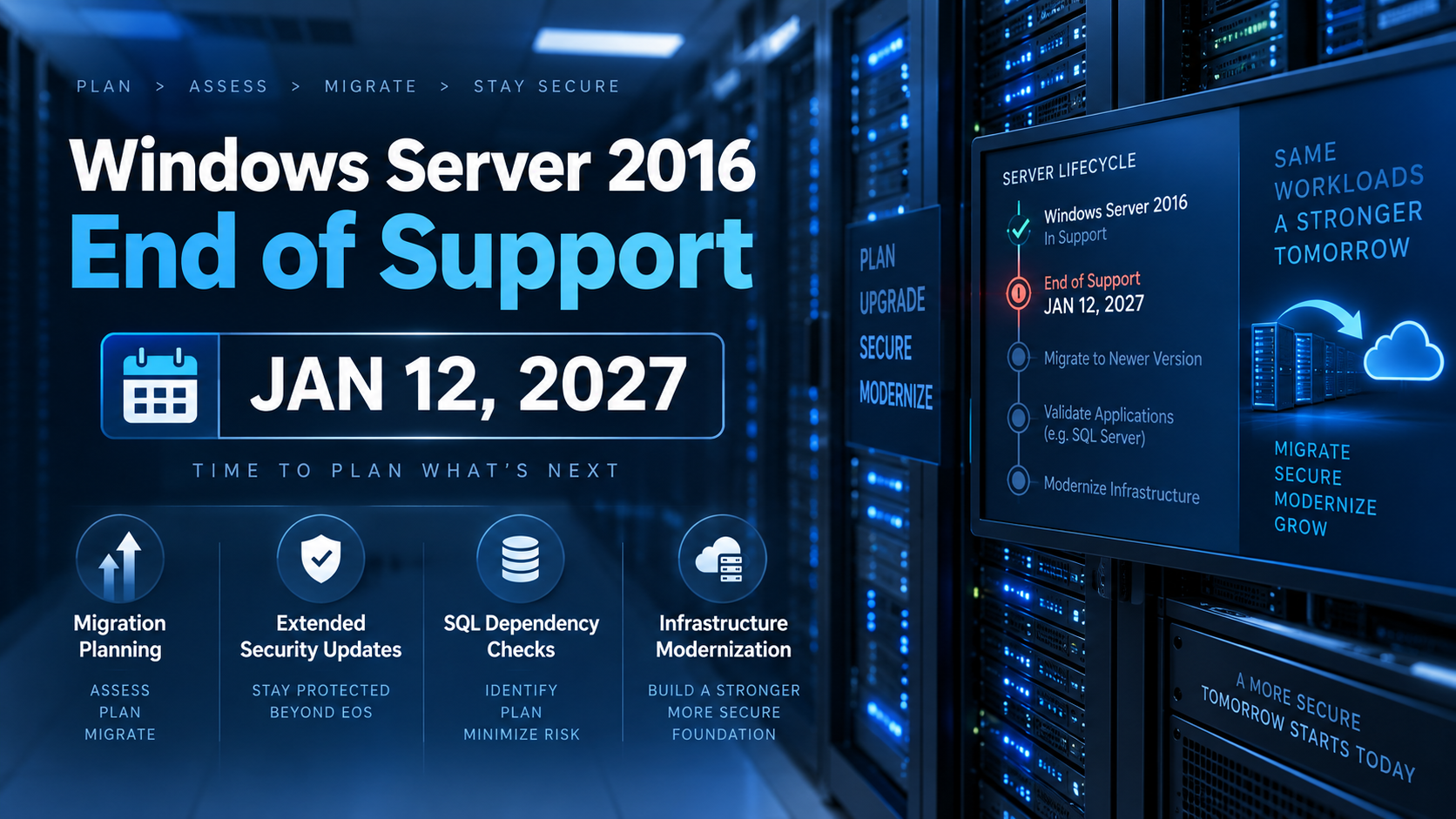
Windows Server 2016 End of Support: Your January 12, 2027 Migration Plan
Windows Server 2016 end of support arrives on January 12, 2027. After that date, Microsoft issues no further security updates for the operating system outside its paid Extended Security Updates program.
If you read our guide to the Windows Server 2012 R2 deadline, this one is a different situation and needs a different response. That deadline is a wall — the final ESU term ends and there is nothing behind it. This one has a paid escape hatch, which makes it less urgent and considerably easier to mishandle.
Roughly four months of planning time remain if you intend to migrate rather than pay. Here is how to use them.
What actually changes, and what changed already
Windows Server 2016 left mainstream support in January 2022. Since then it has received security fixes only — no bug fixes, no feature updates, no complimentary support incidents. Many businesses running it have not noticed, which is the usual pattern.
On January 12, 2027, the security updates stop too. The server keeps booting. Nothing switches off. What ends is the ability to patch a vulnerability.
One change has already happened and catches people out: Microsoft ended support for Microsoft 365 Apps running on Windows Server 2016 in October 2025, with security updates continuing only through a limited migration period. If you run shared Office sessions on a 2016 host, that clock is already further along than the operating system’s.
Extended Security Updates: the option, and the arithmetic
Unlike the 2012 R2 situation, ESU is available for Windows Server 2016 — up to three years of Critical and Important security updates past the deadline, enrolled through volume licensing or through Azure Arc.
Two things to understand before treating that as the plan.
The cost is not nominal, and it recurs. ESU is priced per year, per server, and it buys security updates only — no features, no bug fixes. Microsoft standardised ESU pricing in April 2026, so the older tactic of shopping the price around no longer applies. Get a current quote for your actual server count and compare it against the cost of migrating, across the full three years rather than the first one. For fleets of any size, that comparison frequently favours migration.
You face the same migration later, on older hardware. ESU buys time, it does not remove the project. Three years from now you will be doing this on machines three years further into their service life.
ESU is the right answer in one specific case: a genuine application dependency that cannot be resolved before the deadline. It is the wrong answer as a way of not deciding.
The SQL Server constraint most migration plans miss
This is the item that turns a straightforward server upgrade into a two-project problem, and it is routinely discovered too late.
Newer Windows Server versions do not support older SQL Server versions. Microsoft’s support matrix draws real lines here — as you move to newer Windows Server releases, the oldest supported SQL Server version moves up with them. A database that runs happily on Server 2016 may not be supported on the version you were planning to move to.
That means your Windows Server migration may require a SQL Server upgrade at the same time, which in turn may require application testing, vendor certification, and a longer window than anyone budgeted for.
Check this early. Confirm the current support matrix on Microsoft’s documentation for the exact versions you run, before you choose a target Windows Server version. If a SQL upgrade is in scope, our Microsoft SQL Server database development work covers that side, and our guide to SQL Server consulting explains what a proper upgrade assessment involves.
Your ecosystem will drop 2016 before Microsoft does
Worth planning around, because it happens quietly.
Backup agents, endpoint detection tools, antivirus, monitoring agents, and line-of-business applications all maintain their own support matrices, and vendors routinely drop an operating system ahead of the official end-of-support date. You can find yourself running a supported OS that your backup software no longer supports — which is a worse position than it sounds, since it is your recovery capability that quietly degrades. Our guide to data backup and recovery covers why verified restores matter more than green dashboards.
Ask your vendors directly what their support timeline for Server 2016 is. Some will already be shorter than Microsoft’s.
Choosing a target version
Two considerations, and the second is the one people skip.
How long a runway do you want? Each Windows Server release has its own lifecycle dates. Moving to the newest release available buys the most years before you repeat this exercise; moving to one version back may be necessary for application compatibility but shortens the runway. Look up the actual dates rather than assuming, and count backwards from how long you expect the hardware to last.
In-place upgrade or clean build? In-place upgrades from Server 2016 do not jump straight to the newest release — you step through intermediate versions, and each step carries risk while preserving a decade of accumulated configuration drift. A clean build with the workload migrated across is more work up front and produces a server you actually understand. For domain controllers, databases, and anything revenue-critical, we build clean.
Compliance and insurance are real deadlines too
Regulatory frameworks including PCI DSS and HIPAA require supported operating systems. An unsupported OS can produce a failed audit independent of whether anything was breached.
Cyber insurance is the sharper risk. Many policies contain language allowing a claim to be denied if a breach occurred on an unsupported system. Read your policy now rather than discovering the clause during a claim, and if you are enrolling in ESU, confirm in writing that your insurer treats an ESU-covered server as supported.
A four-month plan
Month one — inventory and dependencies. Every host, every VM, every appliance. For each Server 2016 machine: what runs on it, what SQL Server version if any, what vendors support it, and who depends on it. This month produces the finding that reshapes the rest of the plan.
Month two — decisions and licensing. Target version per server. Upgrade, rebuild, move, or retire. Confirm licensing and hardware. Verify that backups restore before you touch anything.
Month three — execute, lowest risk first. Keep the old machine intact and powered off rather than decommissioned until the replacement has run a full business cycle including month-end.
Month four — buffer and the hard cases. Whatever is left is left because it was difficult. Reserve the time now instead of borrowing it from the deadline.
Where ITsoft fits
We have run Windows Server environments for U.S. businesses since 2003, including utility and recycling operations where a day of downtime is measured in trucks that do not roll. We are managing this same transition internally right now, alongside migrating our own operations platform from ASP.NET 3.5 to ASP.NET 8.0 — so the plan above is what we are actually doing, not a template.
The businesses that finish on time are the ones that started with an honest inventory rather than an assumption about what they are running.
Schedule a server assessment with Mike Treat — we will inventory what you have, flag what is past support or heading there, check the SQL Server dependencies, and give you a written migration path with costs. The report is yours regardless.
Related reading: Windows Server setup and maintenance · Windows Server 2012 R2 end of life · data backup and recovery · managed service provider services