
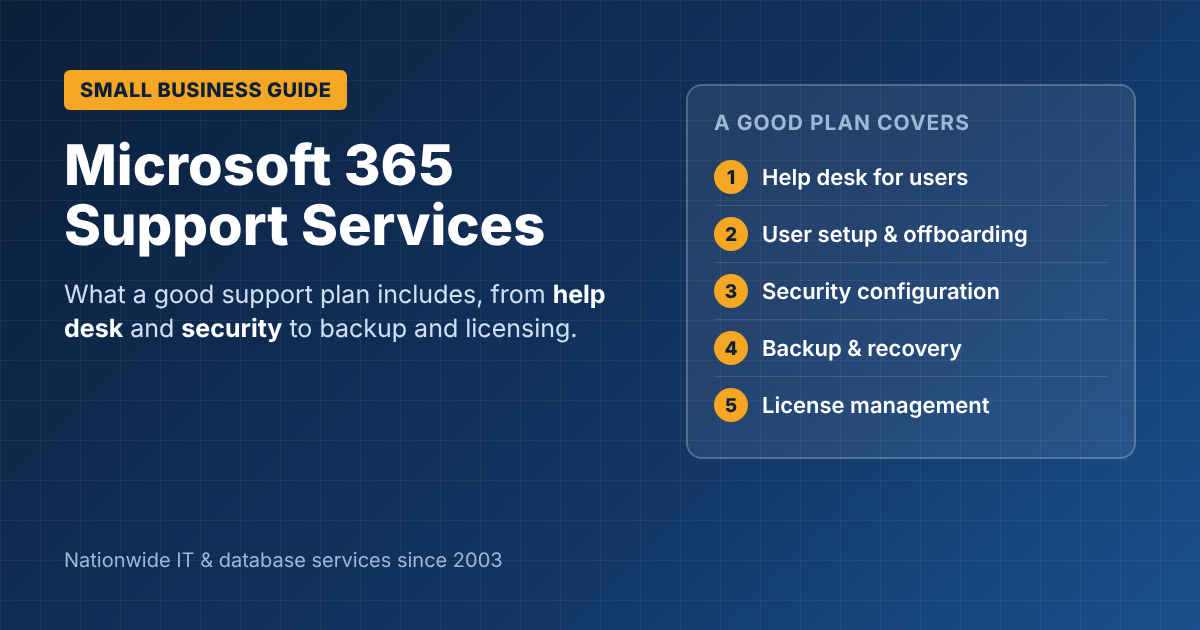
Microsoft 365 Support Services: What a Good Support Plan Includes
Microsoft 365 runs most small businesses: email, Teams, OneDrive, SharePoint, Word and Excel. Microsoft keeps the service itself running, but everything about how your company uses it is up to you: user accounts, security settings, backups, licensing, and the steady stream of “I can’t get into my email” calls. That’s where Microsoft 365 support services come in. Here’s what a good support plan should include, and what to look for in a provider.
What Microsoft handles, and what it doesn’t
Microsoft keeps its data centers, servers and the Microsoft 365 service running. Your business is responsible for:
- Who has access to what, and adding or removing users
- Security settings, such as multi-factor authentication (MFA) and sharing rules
- Protecting your own data, including recovering deleted or encrypted files
- Licensing: paying for the right plans, and not paying for unused ones
- Helping your staff when something doesn’t work
Most businesses without IT staff discover these gaps the hard way.
What Microsoft 365 support services should include
1. Help desk for users
Fast help when someone is locked out, Outlook won’t sync, Teams won’t connect or a file is missing. Ask about response times, and whether support is by phone, email or chat.
2. User setup and offboarding
New employees get the right mailbox, licenses, Teams and file access on day one. When someone leaves, their access is removed the same day and their data is kept or transferred.
3. Security configuration
- MFA for every user
- Blocking risky sign-ins and legacy sign-in methods
- Email protection against phishing and spoofing (SPF, DKIM, DMARC)
- Sensible sharing settings for OneDrive and SharePoint
4. Backup and recovery
Microsoft 365 includes recycle bins and retention features, but they’re limited in time and scope. A separate backup lets you restore a deleted mailbox, a ransomware-encrypted folder or an old version of a file, months later.
5. License management
Regular reviews to remove unused licenses, move people to the right plan, and add tools such as Microsoft 365 Copilot only where they pay off.
6. Setup, migration and change
Moving from another email system, setting up SharePoint and Teams properly, and adapting to Microsoft’s frequent updates. If your setup has grown messy, our article on what goes wrong with Microsoft 365 implementations covers the common problems.
Signs you need Microsoft 365 support
- Staff share passwords or a single admin account
- MFA isn’t turned on for everyone
- Former employees still have active accounts or licenses
- Nobody is sure whether email and files are backed up
- Files are scattered across personal OneDrives with no structure
- Someone in the office has become the “accidental IT person”
Choosing a Microsoft 365 support provider
Ask any provider:
- What are your response times, and how do we reach you?
- Do you include security setup and monitoring, or only help desk?
- Is backup included, and how quickly can you restore data?
- Do you review our licenses to cut waste?
- Can you also support our computers, network and line-of-business apps?
Get Microsoft 365 support from ITsoft
ITsoft provides Microsoft 365 support services to businesses across the U.S., from help desk and security setup to backup, licensing and migrations, with onsite support in the Oklahoma City area.
Talk to ITsoft about Microsoft 365 support
FAQs
Doesn’t Microsoft provide support for Microsoft 365?
Microsoft supports the service itself, but it doesn’t manage your users, settings, security or data for you. Day-to-day help for your staff comes from your own IT team or a support provider.
Do we need a separate backup for Microsoft 365?
It’s strongly recommended. Built-in recycle bins and retention are limited, and a separate backup protects against accidental deletion, ransomware and departing employees.
Can Microsoft 365 support be part of managed IT services?
Yes. Many businesses include it in a managed IT plan that also covers computers, servers, network and security.
Related reading: Managed IT services · Microsoft Copilot AI services · Remote IT support