
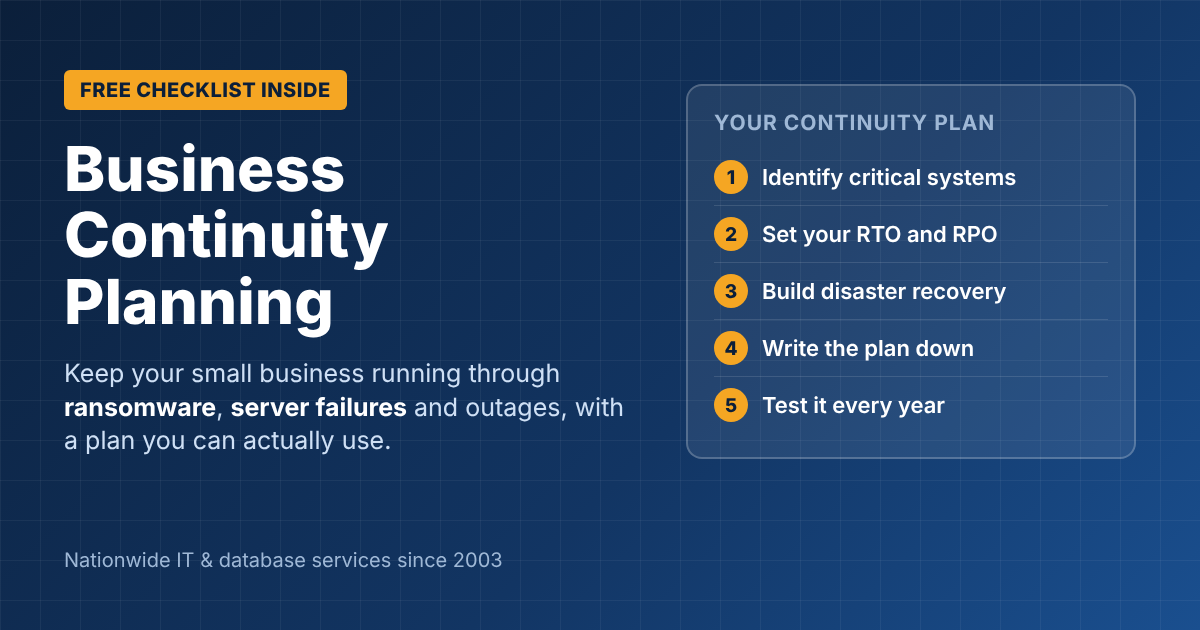
Business Continuity Planning for Small Businesses: A Practical Guide
Business continuity planning answers one question: if something goes wrong tomorrow, such as ransomware, a server failure, a fire or a long power outage, how does your business keep serving customers? Most small businesses have backups. Far fewer have a plan for how long they can be down, who does what, and how they actually get running again. This guide covers the essentials, with a checklist you can work through in an afternoon.
Business continuity vs. disaster recovery
The two terms are often used together, but they’re not the same:
- Business continuity is the whole business: how you keep taking orders, paying staff and serving customers during a disruption.
- Disaster recovery is the IT part: restoring systems, data and connectivity after an outage.
You need both. A perfect backup doesn’t help if nobody knows how to restore it, or if your team can’t work while it’s happening.
Step 1: Identify your critical systems and risks
List the systems your business can’t run without, such as email, accounting, your line-of-business software, phones, file storage and your website. For each one, ask what happens if it’s down for an hour, a day, or a week.
Then list your most likely threats. For most small businesses, the top risks are ransomware and cyberattacks, hardware failure, human error (deleted files, a bad update), and local events such as severe weather or a long power outage. The cost of getting it wrong is real: IBM’s 2026 Cost of a Data Breach report puts the global average cost of a breach at $4.99 million.
Step 2: Set your RTO and RPO
These two numbers drive every other decision:
- RTO (Recovery Time Objective): how long a system can be down before it seriously hurts the business. For example, “accounting must be back within 8 hours.”
- RPO (Recovery Point Objective): how much data you can afford to lose, measured in time. An RPO of 1 hour means backups must run at least hourly.
| System | Example RTO | Example RPO |
|---|---|---|
| Email (Microsoft 365) | 4 hours | Near zero (cloud-hosted) |
| Accounting / ERP | 8 hours | 1 hour |
| File server | 24 hours | 4 hours |
| Website | 24 hours | 24 hours |
Shorter RTOs and RPOs cost more, so set them per system rather than demanding “zero downtime” for everything.
Step 3: Build your disaster recovery solutions
- Follow the 3-2-1 backup rule: 3 copies of your data, on 2 different types of storage, with 1 copy offsite or in the cloud. Keep at least one copy immutable (it can’t be changed or deleted) to survive ransomware.
- Back up Microsoft 365 too. Microsoft keeps the service running, but deleted or encrypted email and files are your responsibility.
- Plan for your servers and databases. For critical servers, a cloud failover copy can bring systems back in hours instead of days.
- Plan how people work during an outage: remote access, a backup internet connection, and a phone tree or group text for staff.
Step 4: Write the plan down (keep it short)
A continuity plan nobody can find in a crisis is useless. Keep it to a few pages, with a printed copy offsite:
- Who declares an emergency and who’s in charge
- Contact list: staff, IT provider, insurer, key vendors and customers
- The critical systems list with RTO and RPO for each
- Step-by-step recovery instructions for each critical system
- How you’ll communicate with customers during an outage
Step 5: Test it at least once a year
Untested backups are hopes, not backups. At least once a year, restore a real system from backup and time it against your RTO. Walk through one scenario with your team, such as “ransomware on Monday morning”, and fix whatever slowed you down.
Business continuity planning checklist
- ☐ Critical systems listed, with an owner for each
- ☐ RTO and RPO set for every critical system
- ☐ 3-2-1 backups in place, including one immutable or offline copy
- ☐ Microsoft 365 email and files backed up separately
- ☐ Backups monitored daily for failures
- ☐ Written plan with contacts and recovery steps, stored offsite
- ☐ Staff know how to work remotely during an outage
- ☐ Full restore test completed in the last 12 months
- ☐ Cyber insurance requirements reviewed against your plan
Get help with business continuity planning
ITsoft helps businesses across the U.S. plan, build and test backup and disaster recovery, from Microsoft 365 backups to SQL Server and Windows Server failover, with onsite support in the Oklahoma City area.
Get a Free Backup & Recovery Review
FAQs
How often should a business continuity plan be updated?
Review it at least once a year, and whenever you add a major system, move offices or change IT providers.
Is cloud backup enough for disaster recovery?
Cloud backup protects your data, but recovery also needs a plan for how quickly systems come back and where people work in the meantime.
What’s the difference between a backup and disaster recovery?
A backup is a copy of your data. Disaster recovery is the tested process for getting systems running again from that copy within your RTO.
Related reading: Data backup and recovery · Top cyber security threats to businesses · SQL Server upgrade services