
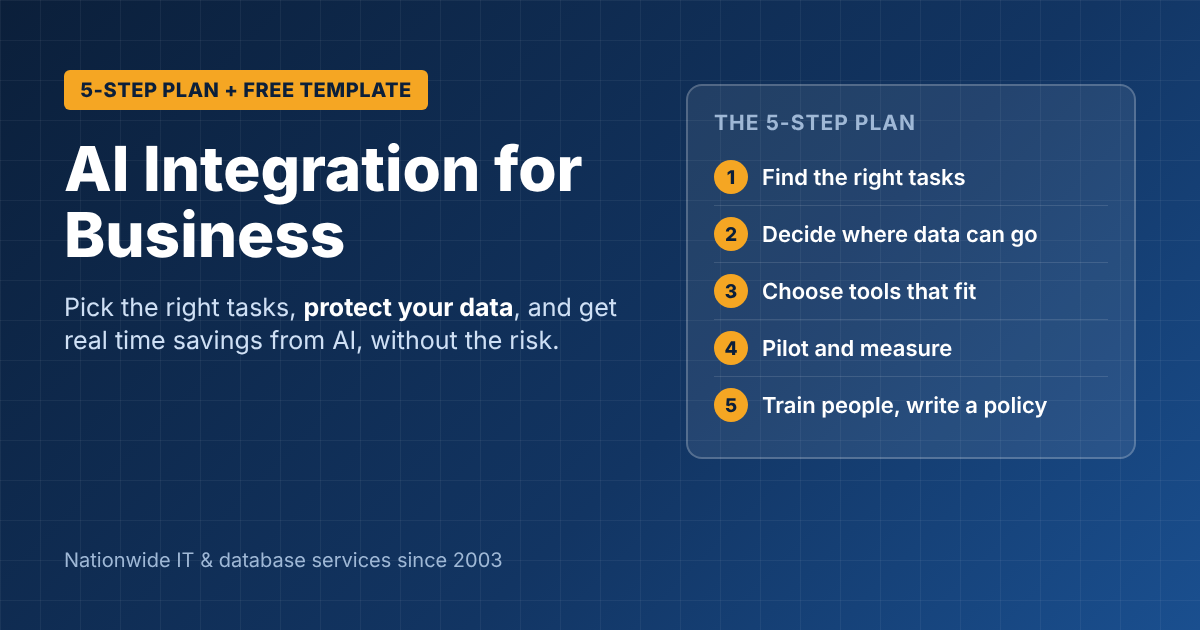
AI Integration for Business: A Practical 5-Step Plan
AI integration for business doesn’t start with picking a tool. It starts with picking the work. The companies getting real value from AI aren’t the ones with the most subscriptions; they’re the ones that chose three or four repetitive, time-consuming tasks, connected AI to the right data safely, and trained their people. Here’s the plan we use with clients, plus a simple AI use policy you can adapt today.
Step 1: Find the right tasks, not the coolest tools
List the work your team repeats every week that involves reading, writing or summarizing. Good first candidates:
- Drafting customer emails, proposals and quotes
- Summarizing meetings, long email threads and reports
- Answering internal “where is…” and “how do we…” questions from your own documents
- Turning spreadsheets into plain-English summaries for managers
- First drafts of job posts, policies and marketing copy
Score each task on two things: hours per week, and how bad a mistake would be. Start with tasks that take many hours and where a mistake is easy to catch.
Step 2: Decide where your data can and can’t go
This is the step most businesses skip. Before anyone pastes a customer file into a chatbot, decide:
- Which AI tools are approved. Business tools with data protection, such as Microsoft 365 Copilot inside your tenant, are very different from free consumer chatbots.
- Which data is off-limits. Typically: customer personal data, health or payment information, passwords, and anything under an NDA.
- Who checks the output. AI drafts; a person approves anything that goes to a customer.
Step 3: Choose tools that fit your existing systems
The best AI integration for business usually builds on what you already use:
- Microsoft 365 shops: Microsoft 365 Copilot works inside Outlook, Word, Excel and Teams. Run a Copilot readiness check first.
- General writing and analysis: business plans of tools like Claude or ChatGPT, with data-protection settings turned on.
- Your own systems: AI can be connected to your CRM, ERP, SQL Server database or customer portal through APIs, for example to summarize orders or answer questions from your own data. This is custom work, but it’s where AI becomes a real business advantage.
Step 4: Pilot with a small team and measure
Run a 30-day pilot with 5–10 people. Measure one or two things only, such as hours saved per week on the chosen tasks, or turnaround time on quotes. At the end, keep what worked, drop what didn’t, and only then expand.
Step 5: Train people and write it down
AI tools reward good instructions. One hour of training on real examples from people’s own jobs makes a bigger difference than any setting. Then put your rules in writing with a short policy.
Free template: a one-page AI use policy
Copy and adapt this for your business:
[Company] AI Use Policy
- Approved tools: Staff may use [list approved tools] for work. Other AI tools need approval from [name/role].
- Protected data: Never enter customer personal information, payment or health data, passwords, or confidential client documents into AI tools that are not approved for that data.
- Human review: AI output is a draft. A person must review anything sent to customers, published, or used for a business decision.
- Accuracy: Check facts, figures and quotes. AI can be confidently wrong.
- Disclosure: Tell your manager if you use AI for a significant part of a deliverable.
- Questions: Contact [name/role] with questions or to request a new tool.
Last reviewed: [date]
For larger organizations, the NIST AI Risk Management Framework is a widely used, free framework for managing AI risk in more depth.
Get help with AI integration
ITsoft has built business software and databases since 2003. We help businesses nationwide choose the right AI tools, connect them safely to their data, and build custom AI features into their own systems.
Talk to ITsoft about AI integration
FAQs
How much does AI integration cost for a small business?
Starting with existing tools costs little: mainly licenses (Microsoft 365 Copilot Business is about $18 per user per month) plus setup and training. Custom integrations with your own systems are quoted per project.
Is it safe to use AI with company data?
It can be, with business-grade tools, clear rules about protected data, and clean permissions. Free consumer chatbots are the biggest risk.
Where should we start?
Pick one repetitive task, one approved tool and a small pilot group. Measure for 30 days before expanding.
Related reading: Microsoft 365 Copilot readiness checklist · Microsoft Copilot AI services · Most popular AI apps for business · Custom software development cost