
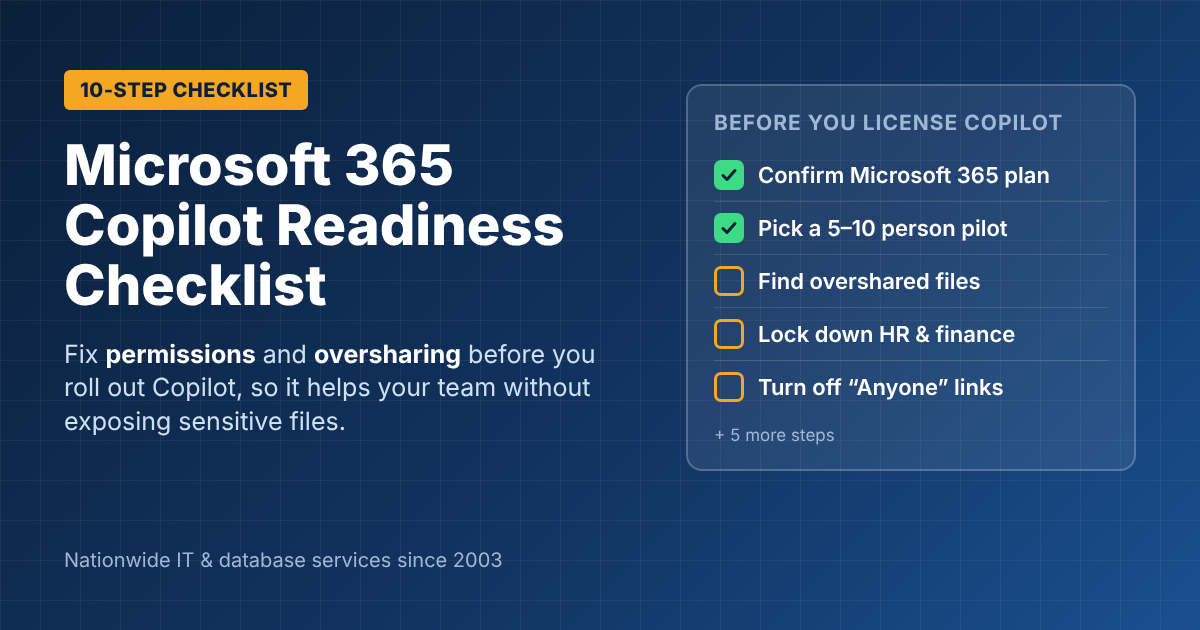
Microsoft 365 Copilot Readiness Checklist for Small Businesses
Before you buy Microsoft 365 Copilot licenses, run a Copilot readiness check. Copilot can only show each person files they already have permission to open. But in most small businesses, people can open far more than they should: old “Anyone with the link” shares, an HR folder shared with the whole company years ago, a OneDrive full of client contracts. Copilot doesn’t create those problems; it makes them easy to find. This checklist walks through what to fix first, what Copilot costs, and how to roll it out so your team uses it.
How Copilot uses your company data
Microsoft 365 Copilot works inside your Microsoft 365 tenant. It reads email, Teams chats, OneDrive and SharePoint files through Microsoft Graph, and it respects your existing permissions. In Microsoft’s words, Copilot “can only summarize or reference content that the user is authorized to access.” Microsoft also states that prompts, responses and company data accessed through Copilot “aren’t used to train foundation LLMs.”
The catch is simple: if your permissions are messy, Copilot will faithfully surface the mess.
The 10-step Copilot readiness checklist
Licensing and setup
- Confirm your base plan. Copilot Business is an add-on to a Microsoft 365 business plan (Business Basic, Standard or Premium). Check that everyone who’ll use it is on an eligible plan.
- Start with a pilot group of 5–10 people. Pick people who write, analyze or summarize a lot, such as managers, sales, finance and operations. Don’t license everyone on day one.
- Update Office apps and Teams. Copilot needs current versions of Word, Excel, Outlook, PowerPoint and Teams. Old installs and unsupported Windows versions cause problems.
Fix oversharing (the most important part)
- Find overshared sites and files. Look for SharePoint sites shared with “Everyone” or “Everyone except external users”, anonymous “Anyone” links, and OneDrive folders shared company-wide. Microsoft’s own Copilot readiness guidance makes remediating oversharing step one.
- Lock down sensitive areas first. HR, payroll, finance, legal and executive folders should be restricted to the people who need them. Assign an owner to every SharePoint site and Team.
- Turn off “Anyone” links by default. Change the default sharing link to “People in your organization” or “Specific people”.
- Label sensitive data. If you have Business Premium, use sensitivity labels to mark confidential files, so they stay protected wherever they go.
Clean up and prepare
- Archive or delete old content. Copilot pulls from everything people can reach. Outdated price lists, old policies and duplicate files lead to wrong answers. Clean up or archive what nobody needs.
- Write a short AI use policy. Tell staff what Copilot can be used for, what must be double-checked, and what must never be pasted into any AI tool.
- Train the pilot group, then measure. Spend an hour on real prompts for their actual jobs. After 30 days, ask what saved them time and decide whether to expand.
What does Microsoft 365 Copilot cost?
Microsoft lists Microsoft 365 Copilot Business at $18 per user per month on an annual subscription (marked down from $21), or about $25 per user per month billed monthly. Enterprise plans are priced at $30 per user per month. Prices change often, so check Microsoft’s Copilot Business page before you budget.
For a 10-person pilot on the annual plan, that’s about $2,160 a year in Copilot licenses, plus a few hours of readiness work.
Common Copilot readiness mistakes
- Licensing the whole company at once. Adoption is uneven. A pilot shows you who benefits before you pay for everyone.
- Skipping the permissions cleanup. This is how a staff member asks Copilot about “bonuses” and gets a summary of the payroll spreadsheet.
- No training. People who get a license and no guidance try it twice and stop.
- Expecting it to know things it can’t see. Copilot only knows what’s in your Microsoft 365 data and what you tell it.
Get help with your Copilot rollout
ITsoft helps businesses across the U.S. get Microsoft 365 ready for Copilot: permissions cleanup, licensing, rollout and training. We’ve supported Microsoft systems since 2003.
Get a Copilot Readiness Review
FAQs
Does Copilot give employees access to files they couldn’t see before?
No. Copilot only uses content each person already has permission to open. But it makes overshared files much easier to find, which is why permissions come first.
Is our data used to train Microsoft’s AI models?
Microsoft states that prompts, responses and data accessed through Microsoft Graph aren’t used to train its foundation models.
Do we need Business Premium for Copilot?
No. Copilot Business works with Business Basic, Standard or Premium. Premium adds security tools such as sensitivity labels that make Copilot safer to roll out.
Related reading: Microsoft Copilot AI services · Microsoft 365 implementation: what goes wrong · Copilot or ChatGPT?