
Windows Server 2012 R2 Support Ends October 13, 2026 — What U.S. Businesses Need to Do Now
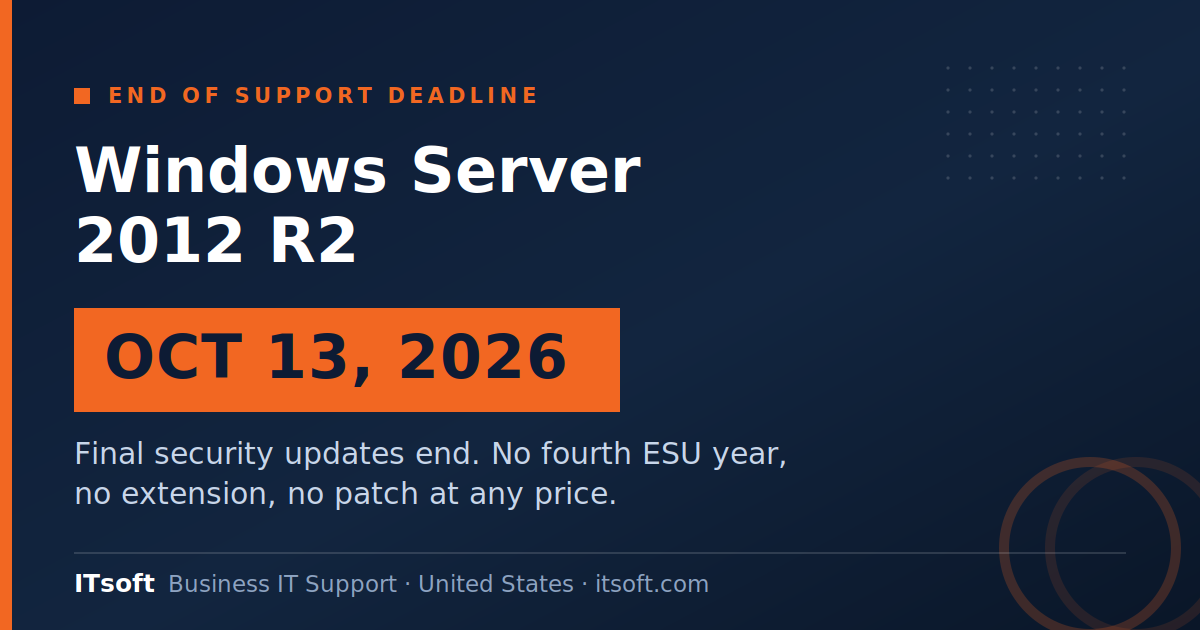
October 13, 2026 is the Windows Server 2012 R2 end of life date. On that day, Windows Server 2012 and Windows Server 2012 R2 receive their final security updates — and after it, no patch exists for either operating system, not through volume licensing, not through Azure Arc, not at any price.
That is roughly seven weeks from now.
If you are reading this because someone finally ran an inventory and found a 2012 R2 box in a closet, you are in better shape than the businesses that will find theirs in November. But the window for a calm, planned migration is closing. Here is what actually happens, how to find out if you are exposed, and what your real options are.
Windows Server 2012 R2 end of life: the two dates people confuse
Almost every conversation we have about this starts with a mix-up between two dates. They are not the same thing.
October 10, 2023 — End of support. Microsoft stopped free security updates, bug fixes, and technical support. Servers kept running. Most businesses noticed nothing, which is exactly the problem.
October 13, 2026 — End of Extended Security Updates. Microsoft sold ESU coverage in three annual increments beginning November 2023 for businesses that could not migrate in time. The third term is the last one. There is no fourth year and no extension.
If your organization has been paying for ESU, you have been protected. That protection has an expiration date, and it is not renewable.
What actually breaks at Windows Server 2012 R2 end of life
Nothing. That is what makes this deadline dangerous.
The server boots on October 14. File shares still resolve. The line-of-business application still loads. Nothing visibly fails, so nothing forces the issue.
What ends is the ability to fix a security problem. Every vulnerability discovered in Server 2012 R2 from that day forward stays open permanently. Attackers know these dates as well as IT departments do, and unpatched server operating systems are a well-documented entry point — see CISA’s guidance on unsupported software for how this is treated from a federal security standpoint.
There is a compliance dimension too. If you carry cyber insurance, handle payment card data, or work under a contract with security requirements attached, running an unsupported OS may already put you out of compliance. Check your policy language before October, not after a claim.
How to find out if you are exposed
Most businesses that still run 2012 R2 do not know it. The machine is usually not the one anybody thinks about — it is the print server, the old file server, the box running one application nobody wants to touch, or a virtual machine somebody spun up in 2015 and never revisited.
Three places to look:
- Run an inventory across every host. Not a walk through the server room — an actual query against your virtualization hosts and domain. Virtual machines are where these hide.
- Check the appliance and vendor-managed boxes. Backup appliances, phone systems, time clocks, and building controls sometimes ship on an embedded Windows Server build that the vendor never updated.
- Ask what your line-of-business application requires. Occasionally the reason a server was never upgraded is that a critical application was certified against 2012 R2 and nothing newer. That is a longer conversation, and it needs to start now.
Your four real options
1. In-place upgrade
Microsoft supports upgrading 2012 R2 to a newer version using installation media, but not in a single hop to the newest release — you upgrade through intermediate versions. It preserves roles and data, which is the appeal, and it carries forward whatever configuration drift accumulated over a decade, which is the risk. Reasonable for a simple file or print server. Poor choice for anything complex.
2. Clean build and migrate the workload
Stand up a current Windows Server, install the application fresh, migrate the data, cut over. More work up front and a cleaner result. This is what we recommend for anything running a database or an application that matters to revenue.
3. Move the workload to Azure
Lifting the server into Azure buys migration flexibility and can simplify licensing, but it is a change in operating model, not just location. Worth doing when it is part of a broader plan, not purely to escape a deadline. Either way, the server work itself is the same discipline we bring to Windows Server setup and maintenance.
4. Retire the role entirely
Sometimes the honest answer is that the server does something a modern service does better. A 2012 R2 file server may be a candidate for SharePoint or OneDrive. An on-premises mail relay may not need to exist. Every server you retire is one you never migrate again.
What waiting actually costs
Seven weeks is enough time to migrate a straightforward server. It is not enough time to discover mid-migration that your core application does not run on a supported OS and the vendor went out of business in 2019.
That discovery is the expensive one, and it happens during the assessment — which is why the assessment goes first, this month, before any migration work is scheduled.
There is also a second wave behind this one. Windows Server 2016 reaches end of support on January 12, 2027 — fifteen months after the 2012 R2 date. If your environment has both, treat them as one project with two deadlines rather than two separate scrambles. We are doing exactly that internally at ITsoft right now, alongside migrating our own recycling operations platform from ASP.NET 3.5 to ASP.NET 8.0. Planning both together is meaningfully cheaper than planning them twice.
A realistic plan for the time remaining
Weeks 1–2: Full inventory. Every host, every VM, every appliance. Identify application dependencies and vendor support status for anything running on a 2012 R2 box.
Weeks 3–4: Decide the path per server — upgrade, rebuild, move, or retire. Confirm licensing. Verify backups actually restore, because you are about to need them.
Weeks 5–6: Execute, lowest-risk servers first. Keep the old machine intact and powered off rather than decommissioned until the replacement has run a full business cycle.
Week 7: Buffer. Something will take longer than planned. Reserve the time now rather than borrowing it from the deadline.
Where ITsoft fits
We have been managing server environments for U.S. businesses since 2003, including infrastructure for electric utilities where downtime is not an abstract cost. We have run this specific migration many times, and the pattern is consistent: the businesses that finish on time are the ones that started with an honest inventory rather than an assumption.
If you are not certain whether you have a Server 2012 R2 machine in your environment, that uncertainty is the finding. Let’s resolve it while there is still room to plan.
Schedule a server assessment with Mike Treat — we will inventory what you are running, flag what is past support, and give you a written migration path with costs. No obligation to use us for the migration.
Related reading: Windows Server setup and maintenance · managed service provider services · Microsoft SQL Server database development · IT resources for small to medium-sized businesses